Markdown with a working memory.
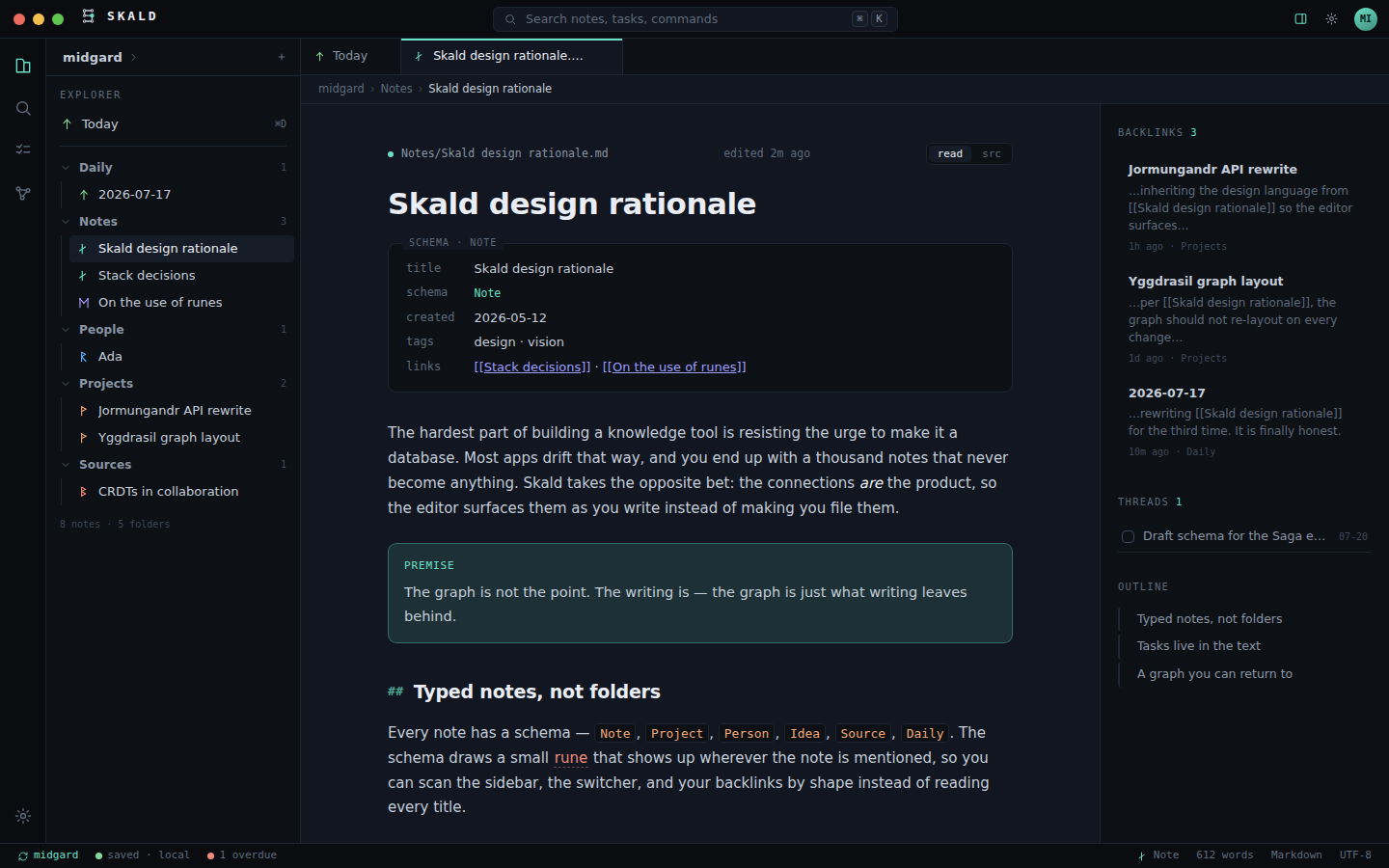
Plain files, richer structure. Skald connects notes, tasks, sources, diagrams and repositories while keeping Markdown as the thing you actually own.
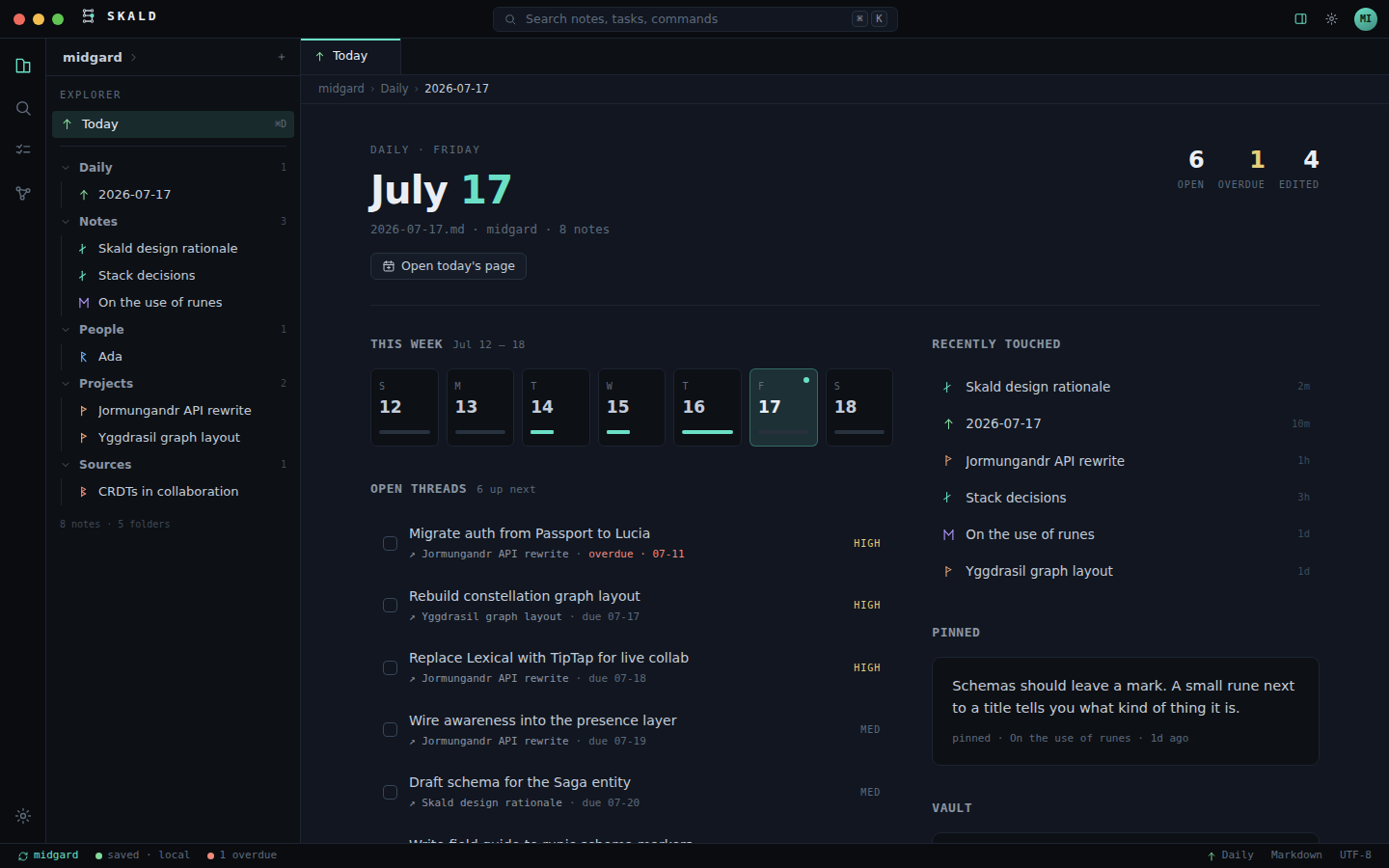
Plain files, richer structure. Skald connects notes, tasks, sources, diagrams and repositories while keeping Markdown as the thing you actually own.
Edit rendered blocks inline, or toggle directly into source whenever you need it.
Projects, People, Sources, Code, Places, Ideas and Daily notes remain ordinary Markdown with useful context.
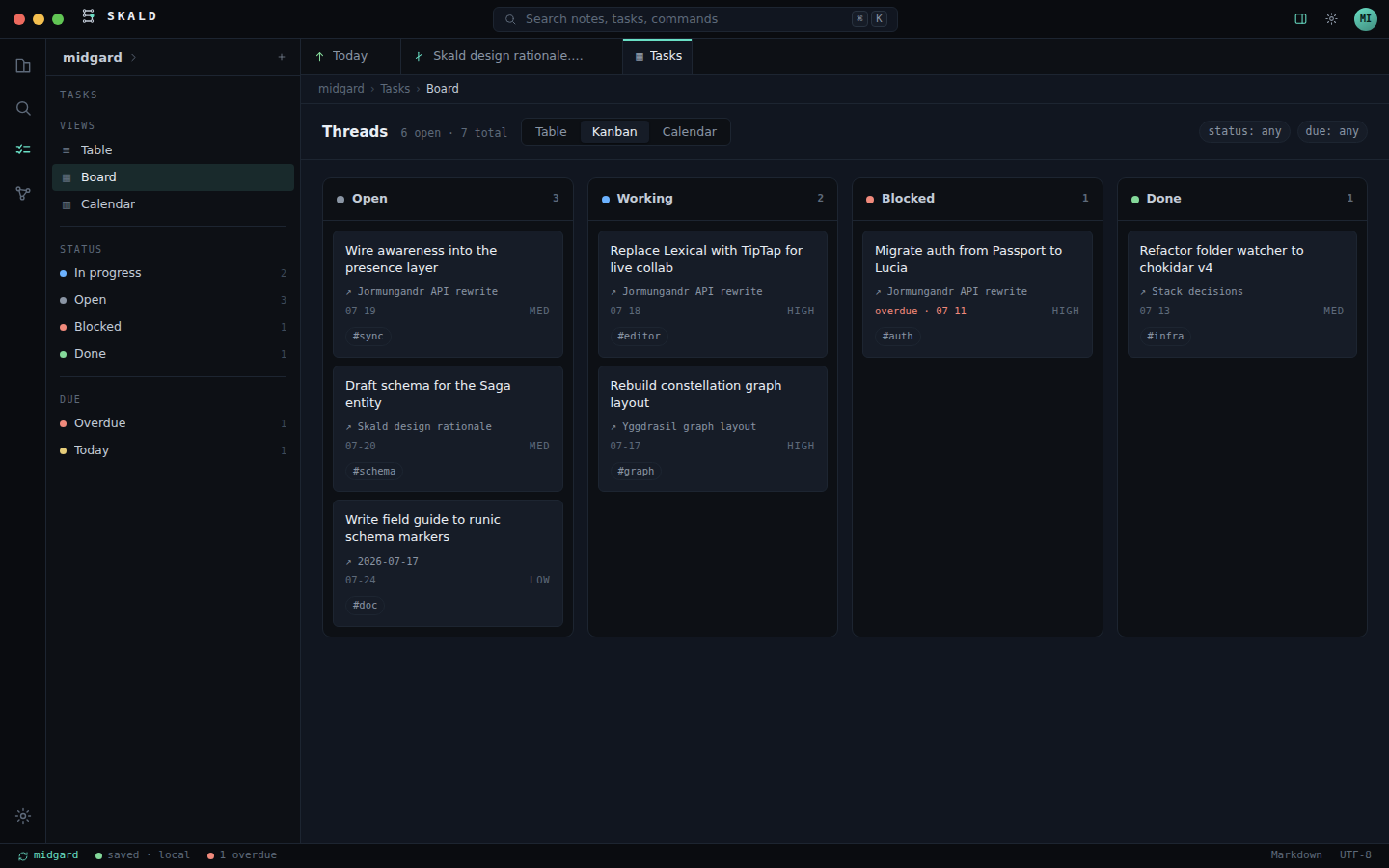
Markdown checkboxes become a global Table, Kanban and Calendar without creating a second task database.
Aside, gallery and group containers add meaningful composition while children stay real Markdown blocks.
User-authored CSS can restyle one note, a schema or the vault through a stable public theme contract.
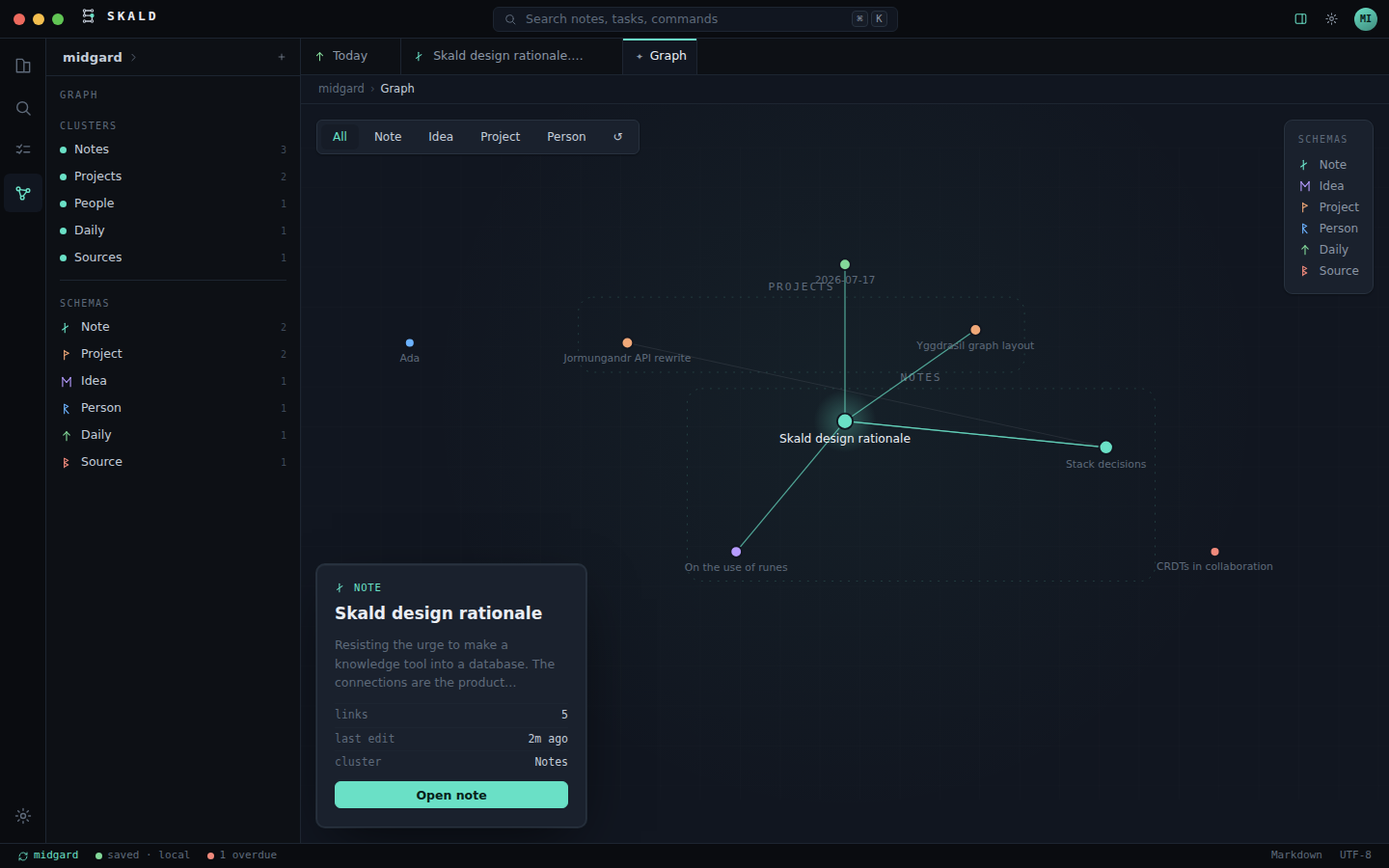
A stable, persistent graph turns folders and links into a spatial map you can actually learn.
Jump through notes, tasks and commands, plus full-body search with schema, tag and folder filters.
Preview and restore snapshots from before edits, external changes, renames, deletions and restores.
GESH relays encrypted blobs while the content key remains on your devices.